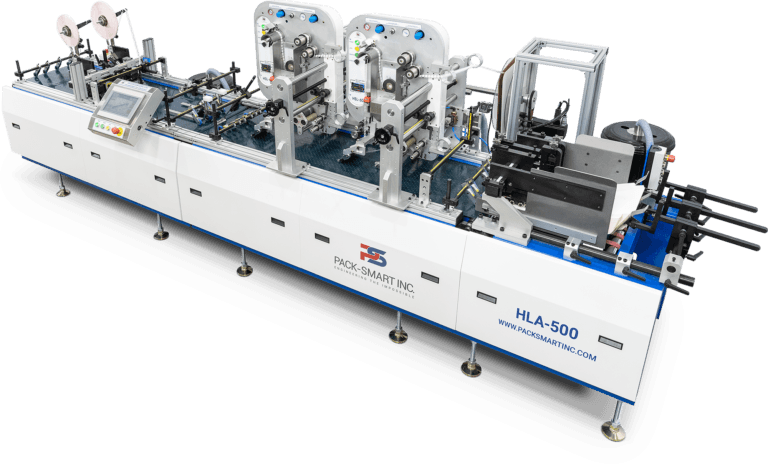
3D Product Application

Assembly Automation

3D product assembly automation coordinates feeding, orientation, placement, inspection, and pack-out around a defined process sequence. Pack-Smart connects material handling and verification so each component moves through the required production logic.

3D Product Applications

3D Product Assembly Automation Built Around Control

Assembly becomes difficult when loose components, carriers, cartons, and production data must arrive in the correct position and sequence without slowing the line.

Pack-Smart configures modular assembly systems that coordinate product feeding, orientation, controlled transport, pick-and-place handling, affixing, finishing, and verification. The objective is not simply to automate a manual placement task. It is to create controlled output that can be inspected, contained, and transferred to the next production stage with confidence.

Each application is evaluated against the physical product, required placement tolerance, component sequence, throughput target, changeover requirements, and upstream and downstream interfaces. The resulting system can combine only the modules required for the production problem.


Relevant Systems

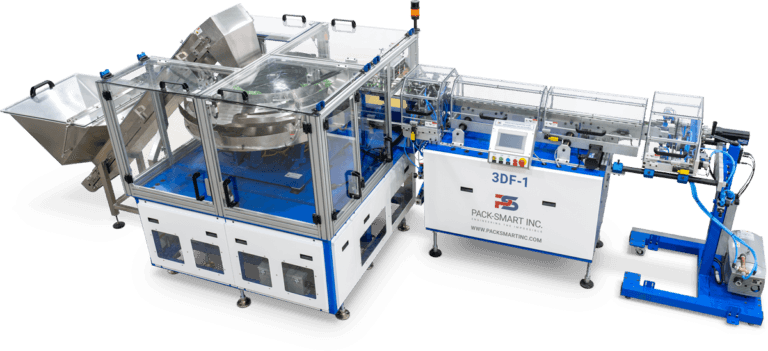
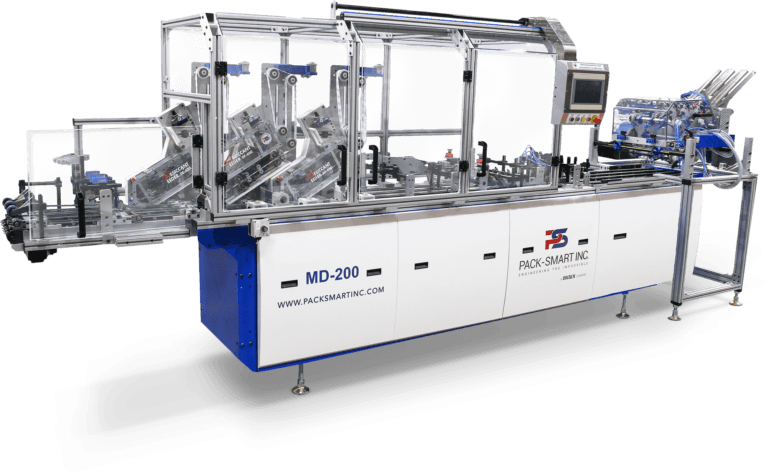
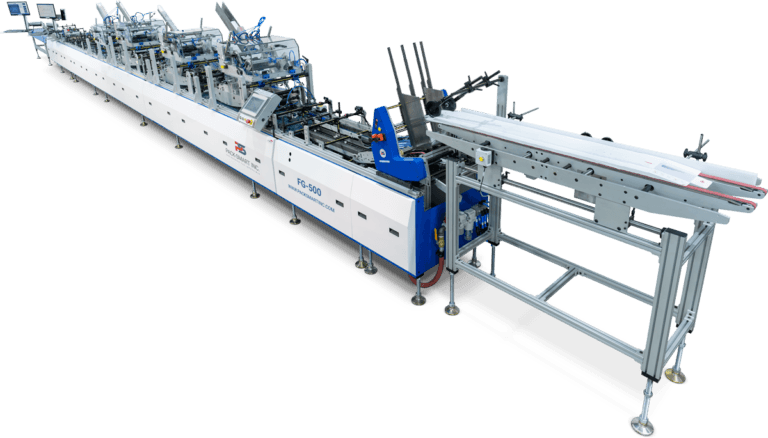
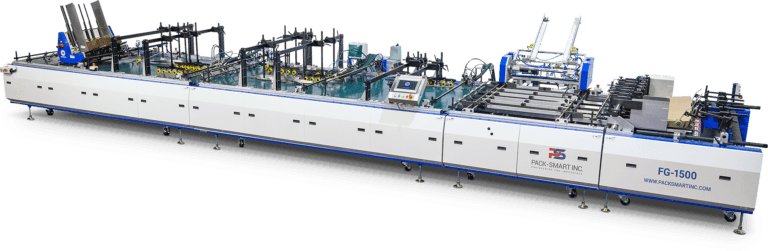
Assembly Systems for 3D Product Assembly

Explore Pack-Smart systems configured for automated 3D product assembly, handling, placement, inspection, and pack-out. Final system architecture depends on product geometry, component presentation, assembly sequence, verification requirements, throughput, and the surrounding production line.

Production Challenges

Where 3D product assembly loses control

The highest risk often sits between process steps, where a component can be misoriented, misplaced, damaged, or transferred without a verified result.

Variable product presentation

Loose or irregular components do not naturally enter the line in a repeatable orientation. Feeding and singulation must create a stable presentation before assembly begins.

Placement and sequence accuracy

Multiple components may need to be registered, positioned, and affixed in a defined order. Small errors can create incomplete or non-conforming finished products.

Material and format variability

Shape, surface, rigidity, weight, and finish influence how each item can be picked, transported, and placed without marking or damage.

Uncontained downstream errors

A missed component or incorrect placement becomes more expensive after folding, sealing, wrapping, or pack-out. Verification must keep pace with assembly.

Application Fit

Common 3D product assembly use cases

The final configuration depends on the product and required output, but these production patterns are well suited to modular assembly automation.

Medical and diagnostic kits

Coordinate multiple kit components, carrier finishing, variable marking, and transfer into the final package.

Samples and promotional packs

Place samples, tokens, badges, inserts, or other three-dimensional items onto carriers or into presentation formats.

Specialty cartons and displays

Affix clips, reinforcements, rigid windows, labels, and other functional components before folding and finishing.

Multi-component consumer packs

Bring several products together in a controlled sequence before wrapping, sealing, cartoning, or fulfilment.

Frequently Asked Questions

Planning a 3D product assembly system

These are the questions manufacturers and production teams commonly ask when evaluating this application.

What types of products can be assembled automatically?

Potential applications include loose consumer products, kit components, samples, tokens, badges, clips, rigid inserts, labels, and specialty packaging components. Product testing is required to confirm the correct feeding and handling method.

Can an assembly system integrate with an existing production line?

Yes. A modular configuration can be designed as a stand-alone cell or integrated with existing feeding, printing, finishing, packaging, and delivery equipment after the interfaces and control requirements are reviewed.

How is component placement verified?

Depending on the application, sensing, barcode reading, machine vision, and reject logic can be configured to confirm presence, orientation, position, or identity before the product advances.

Can several components be added in sequence?

Yes. Multiple feeding and placement stations can be coordinated around a defined assembly sequence. The number of components, presentation method, available line length, and verification requirements shape the final architecture.

What determines achievable throughput?

Throughput depends on product geometry, orientation requirements, feeder replenishment, number of placements, inspection time, required tolerances, and the capability of upstream and downstream equipment.

What information is needed for an application assessment?

Provide representative product samples, drawings when available, acceptable variation, target throughput, component sequence, placement tolerances, reject requirements, and details about the surrounding production line.

Application Assessment

Bring the complete assembly problem into view

Share the products, required sequence, target output, and integration constraints. Pack-Smart can evaluate the control points and define the modular system architecture required for the application.